
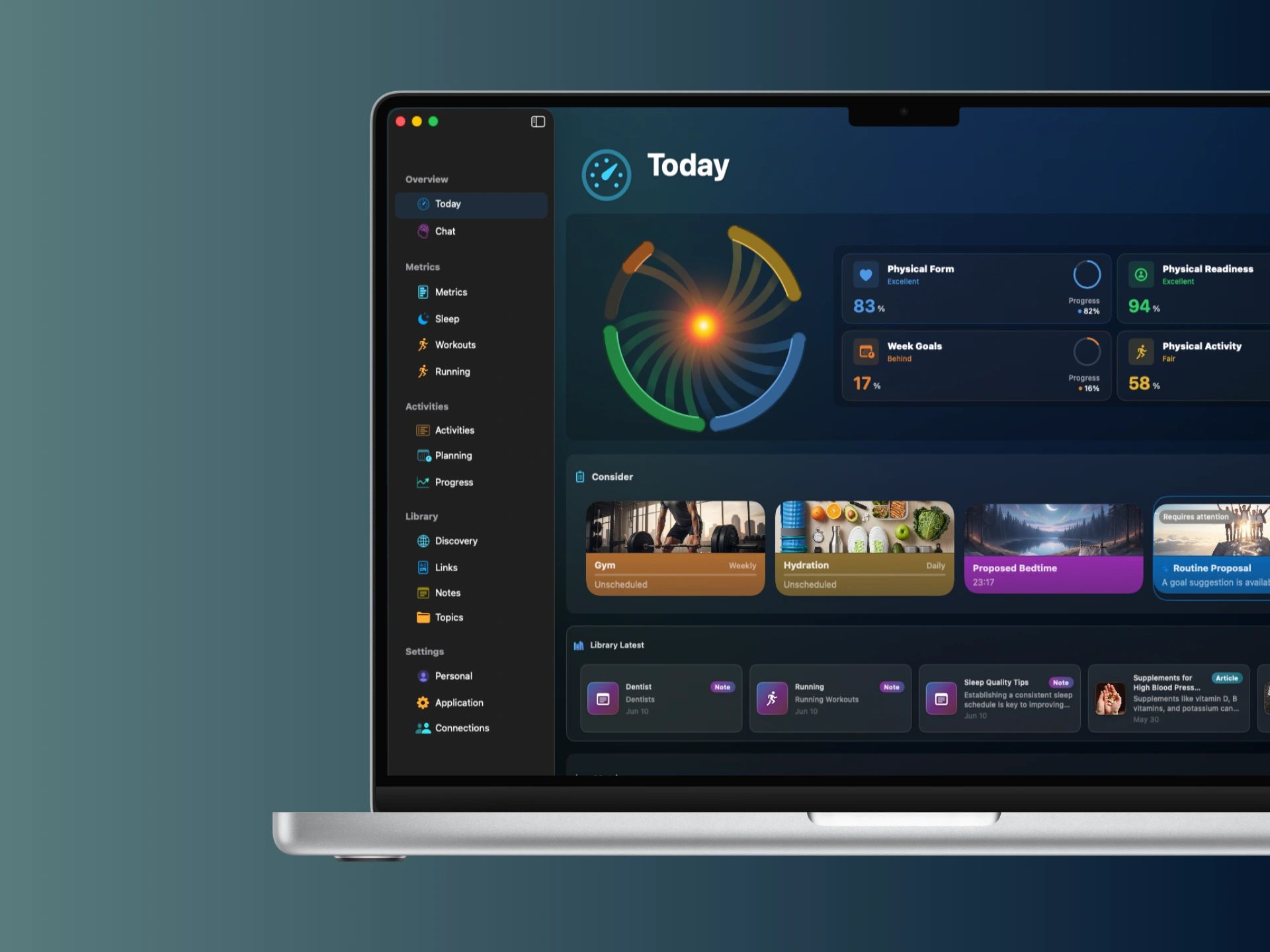
1. Install Yural on both devices
Install Yural on your iPhone and Mac. On iPhone, allow Yural to access the Apple Health information you want to use.
2. Synchronize your iPhone and Mac
Connect your devices in Yural and enable synchronization. After this setup, your available health and fitness information is exchanged automatically.
3. Open Yural on Mac
See your metrics, workouts and progress on the larger screen. Explore your information and plan your activities with more space.
Your information stays private
The exchange is secure and end-to-end encrypted. Only your own paired devices can read the health data being exchanged.
The transfer service deletes the exchanged health data after delivery is confirmed. It does not keep a permanent copy. Your information remains available on your own devices.
Questions
What if some information is missing on Mac?
First, check that the information is available in Yural on your iPhone.